
How to Use DeKalb County Search Hearings
Search Hearings is hosted at portal-gadekalb.tylertech.cloud as part of the DeKalb County Judicial Information System. The screen is built around the court calendar. Required inputs include court location, hearing type, search type, search criteria, and a date range. The portal accepts case number, party name, business name, attorney name or bar number, judicial officer, and courtroom searches.
The Search Hearings interface is shown on the official DeKalb County judicial portal page.
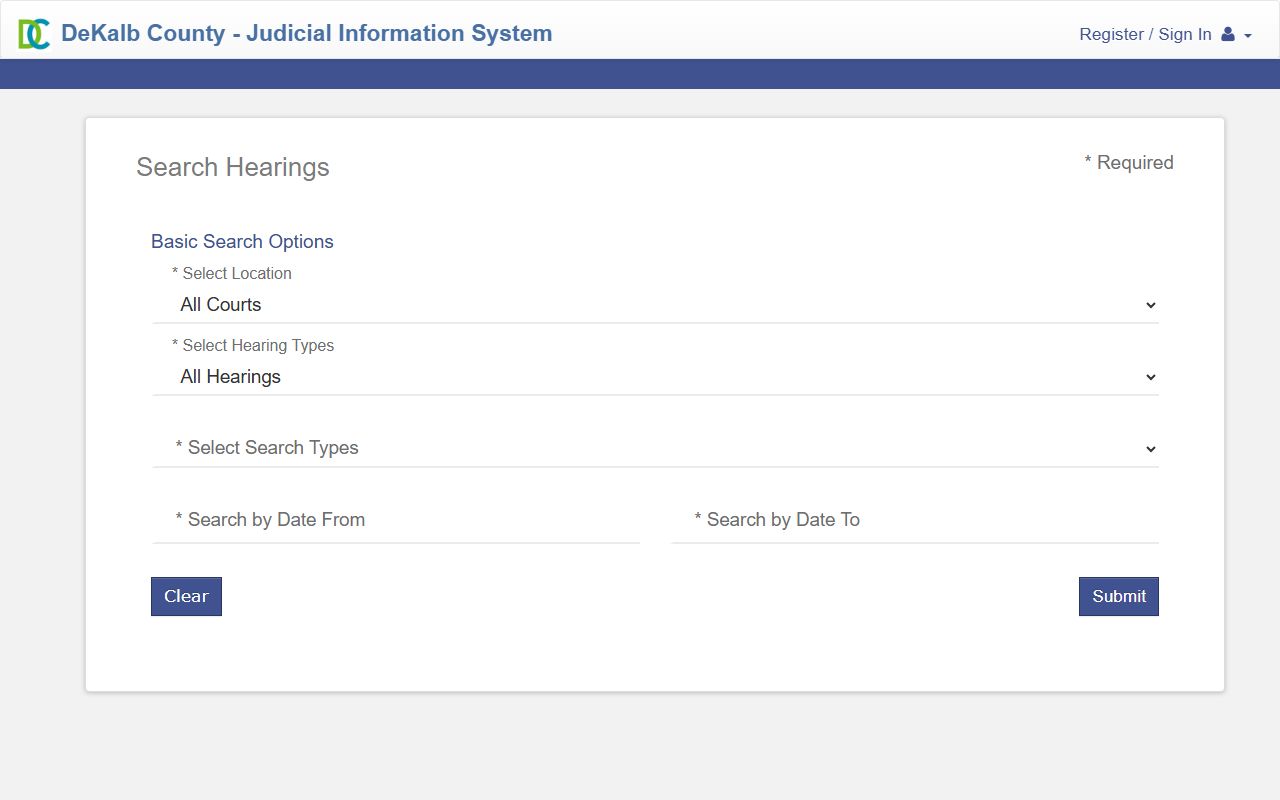
The screen pictured is the docket entry point. Each field maps to a way of pulling a court calendar by case, person, lawyer, judge, or room.
Unlike Smart Search, the inspected Search Hearings configuration did not show CAPTCHA enabled. The page enforces validation on location, hearing type, search type, and date fields. A case-number wildcard needs at least four characters followed by an asterisk. Name validation allows space, hyphen, or apostrophe and supports a Sounds Like phonetic option with its own rules.
Required DeKalb County Court Dockets Search Fields
The Search Hearings form will not run without each required field filled in. The table below lists every input on the calendar page and how to fill it.
| Field | Type | Required | Options or Format |
|---|---|---|---|
| Select Location | dropdown | yes | All Courts; DeKalb State and Magistrate Courts; DeKalb Superior Courts. |
| Select Hearing Types | dropdown | yes | All Hearings; All State and Magistrate Courts; All Superior Court Hearings. |
| Select Search Types | dropdown | yes | Case Number; Party Name; Business Name; Attorney Name; Attorney Bar Number; Judicial Officer; Courtroom. |
| Sounds Like | checkbox | optional | Phonetic match toggle. |
| Search by Criteria | text | yes | Case number, name, or value tied to the chosen Search Type. |
| Attorney Number | text | optional | Bar number search. |
| Last Name / First Name / Middle Name | text | optional | Party search inputs. |
| Judicial Officer | dropdown | optional | List of DeKalb judges, current and historical. |
| Courtroom | dropdown | optional | List of DeKalb courtrooms. |
| Search by Date From | date | yes | MM/DD/YYYY. |
| Search by Date To | date | yes | MM/DD/YYYY. Inspected page enforced a max-date validation. |
| Clear / Submit | buttons | yes for Submit | Clear resets; Submit runs the calendar search. |
Note: For a case-number wildcard, type at least four characters and end with an asterisk.
DeKalb County Court Dockets vs Case Files
A docket is the chronological event list on a case. A case file is the full record, including documents and orders. Search Hearings shows scheduled court events. Smart Search shows filed cases and their docket sheets. Both are part of the same judicial portal, but they answer different questions.
Use Search Hearings when the question is "when is court," "what courtroom," or "is the case on the calendar." Use Smart Search when the question is "what was filed," "what is the status," "who are the parties," or "what was the disposition." A printout from either tool is informational, not certified. Certified docket sheets and case-file copies come from the clerk that owns the case.
What a DeKalb County Court Docket Shows
Each docket entry is a short clerk-written line describing a case event. Some entries have document images attached. Some entries link to scheduled hearings. The list below covers the docket events common across DeKalb courts.
| Docket Event | What It Means |
|---|---|
| Complaint Filed | Civil case opened. |
| Indictment / Accusation | Criminal charging document. |
| Motion Filed | Party asks the court to take action. |
| Order Entered | Judge issues a decision. |
| Notice of Hearing | Court schedules a hearing. |
| Service Perfected | Defendant or respondent received the papers. |
| Plea | Defendant entered a plea in a criminal case. |
| Continuance | Hearing or trial postponed. |
| Default Judgment | Civil judgment after non-response. |
| Sentence | Criminal sentence imposed. |
| Dismissed | Case ended without the relief or conviction sought. |
| Nolle Prosse | Prosecutor's decision not to proceed. |
| Warrant Issued | Court issued a bench, search, or arrest warrant. |
| Notice of Appeal | Party signaled an appeal to the Court of Appeals of Georgia. |
| Satisfaction of Judgment | Civil judgment paid or otherwise resolved. |
Which DeKalb County Courts Publish Dockets Online
Superior, State, and Magistrate Courts feed the Search Hearings calendar through Odyssey. Probate Court is not always integrated into the same public hearing search and should be checked through dekalbprobatega.com. Juvenile Court calendars are not part of public hearing search results because juvenile records carry statutory confidentiality.
Municipal courts inside DeKalb publish their own calendars on their own city websites. A city traffic ticket from Decatur, Dunwoody, Brookhaven, Chamblee, Doraville, Tucker, or another city sits in that city's municipal court calendar, not the county portal. The DeKalb State Court traffic division has its own published process for State Court traffic court dates.
The DeKalb State Court homepage is the official starting point for State Court calendars and divisions.
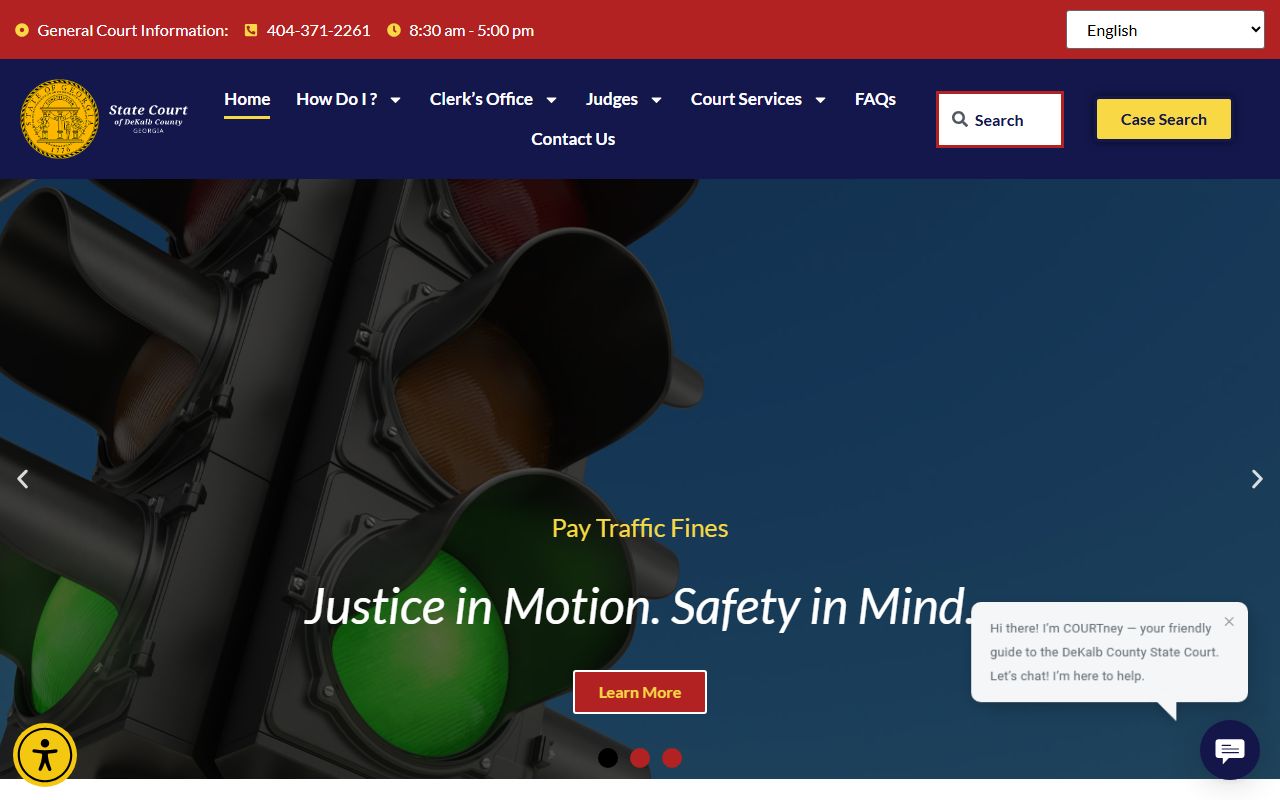
The State Court homepage at dekalbgastatecourt.gov directs traffic, misdemeanor, and State Court civil docket questions through the State Court clerk and traffic division.
When to Use Search Hearings vs Smart Search
Search Hearings is the right tool for a calendar question. Smart Search is the right tool for a case-file question. A user looking up "when is my next court date" should go to Search Hearings. A user looking up "what was the disposition on a closed case" should go to Smart Search. The two screens share the same portal but answer different questions.
For docket history of a single case, Smart Search returns the docket sheet inside the case detail page. For an upcoming courtroom assignment, Search Hearings returns the calendar entry. For document images, both tools may surface a link, but image access depends on the case type and the user's account status. The court records page covers Smart Search input in detail.
DeKalb County Court Dockets Hearing Types
The Search Hearings page uses three hearing-type categories. "All Hearings" pulls every scheduled event in the chosen location and date range. "All State and Magistrate Courts" limits to State Court and Magistrate calendars. "All Superior Court Hearings" limits to Superior Court calendars.
For a misdemeanor or traffic appearance, choose State and Magistrate Courts. For a felony arraignment, motion, or trial, choose Superior Court. For a small claims or eviction hearing, choose State and Magistrate Courts. The hearing type controls which docket pool the calendar pulls from, and a mismatched setting is the most common reason a real court date does not appear in results.
DeKalb County Court Date Verification
An online calendar is not a substitute for a court notice. Hearings can be reset, transferred to another courtroom, continued by the judge, or moved off the calendar without same-day public notice. A user who plans a workday around a docket entry should also confirm with the clerk that owns the case or with an attorney of record.
For criminal cases, a missing online entry does not mean the appearance was cancelled. For civil cases, a continuance entered late in the day may not appear until the next business day. Save a screenshot, a printout, or the notice mailed by the clerk. If the portal is unclear, calling the clerk before traveling is the safer path.
Note: Verify a court date with the clerk or counsel before relying on a Search Hearings result for travel or work plans.
Missed DeKalb County Court Dates
A missed court date in DeKalb County can lead to a bench warrant, bond forfeiture, license consequence, or default judgment. For a criminal case, the court may issue a bench warrant the same day, and probation, bond, and DDS consequences can follow. For a civil case, the court may enter a default judgment if the defendant failed to appear.
If a court date was missed, check Search Hearings and Smart Search, then contact the clerk for the court immediately. For a criminal, DUI, probation, or warrant matter, an attorney is the right next step before going to the courthouse. The warrant records page covers bench-warrant resolution and the Sheriff's warrant unit contact path.
Calendar Versus Docket Sheet
The Search Hearings calendar shows upcoming events. The docket sheet inside a Smart Search case shows the complete chronological history of the case. The two are linked but not the same. A docket sheet often runs from the complaint or accusation to the final judgment or sentence, and it may include hundreds of entries for a long-running case.
For research, the docket sheet is the better tool. For planning a courthouse trip, the calendar is the better tool. A user who reads a docket sheet should be careful with short event labels. "Order Entered" without the document image is a starting point, not a complete picture of what the order says. The Clerk of Superior Court can explain a docket entry on a Superior Court case.
Free Alternatives to PACER for DeKalb Federal Dockets
DeKalb County court dockets cover state and county trial court calendars. Federal cases involving DeKalb residents are filed in the U.S. District Court for the Northern District of Georgia and sit on PACER. CourtListener at courtlistener.com aggregates free opinions and many RECAP-uploaded federal dockets. It is not the official docket, but it is a starting point for federal research.
The CourtListener legal research and RECAP resource is shown at the project page.
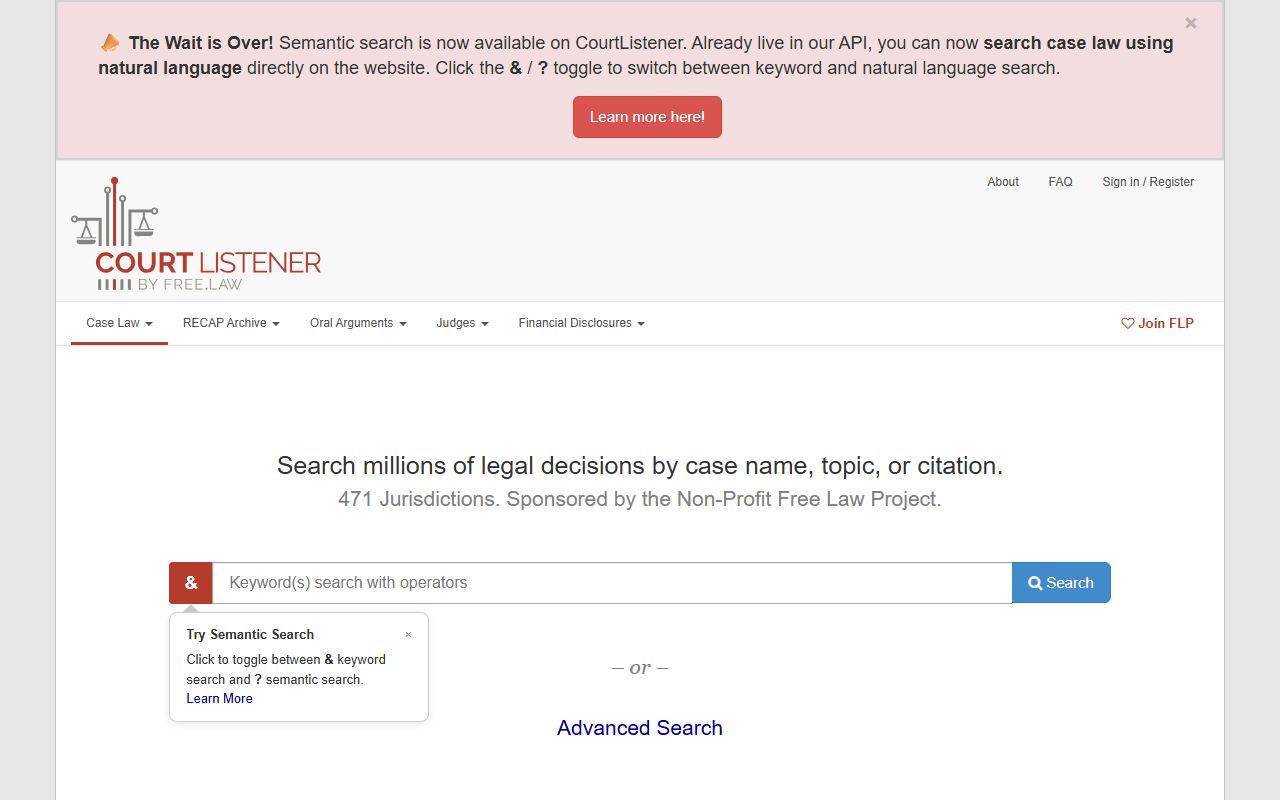
CourtListener pulls from RECAP and other free legal research sources for federal opinions and dockets, while official federal dockets stay on PACER and CM/ECF.